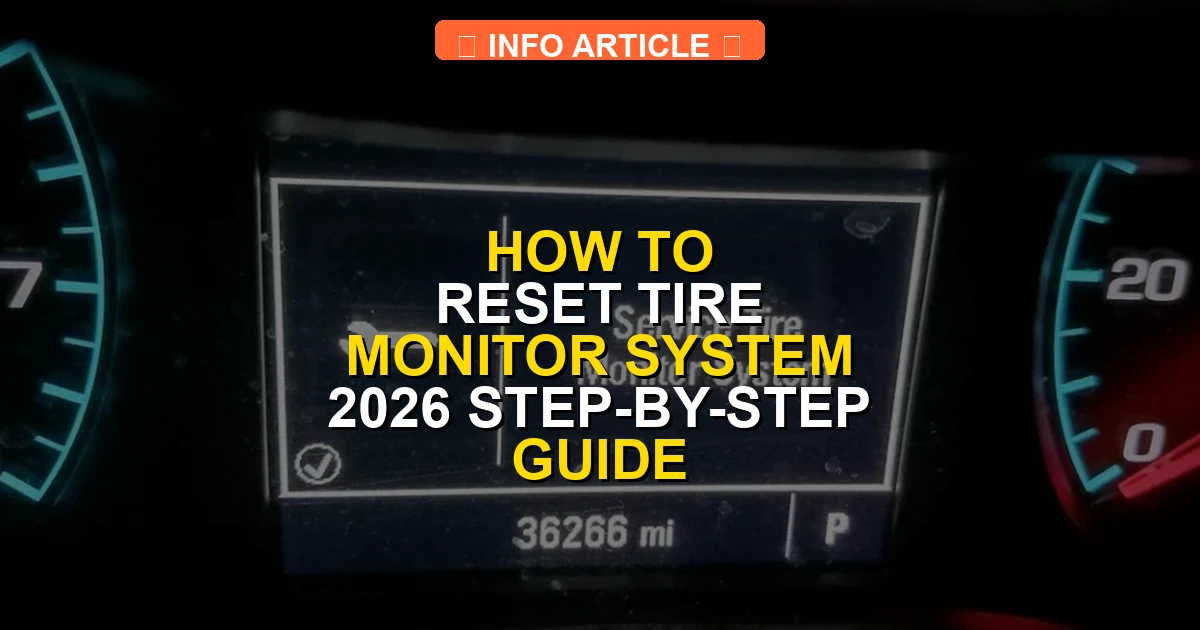
A persistent tire pressure monitoring system (TPMS) light means you need to recalibrate the sensors after adjusting tire pressures. Correctly inflating all tires to manufacturer specifications is the mandatory first step before triggering any manual reset procedure.
Resetting your Tire Pressure Monitoring System (TPMS) requires properly inflating all tires to your vehicle manufacturer’s exact PSI specification and then triggering the recalibration via your dashboard button, infotainment menu, or a simple driving cycle. That annoying low-pressure light on your dashboard usually means your tire pressure dropped below the threshold, but it can also trigger after a tire rotation, seasonal temperature drop, or new tire installation.
Dealing with a persistent dashboard warning light is frustrating, especially when you know your tires are filled correctly. By following the correct manual calibration procedure for your specific make and model, you can clear the sensor error in less than ten minutes without paying a dealership fee in 2026.
Key Takeaways
- Always check and adjust tire pressures to the exact cold PSI specified on the door placard first.
- Locate the physical TPMS reset button, usually found under the steering wheel or inside the glovebox.
- Use the vehicle’s infotainment touchscreen menu to trigger recalibration on modern vehicle makes.
- Drive continuously at speeds above 25 mph for up to 20 minutes to auto-clear indirect TPMS lights.
- A flashing TPMS light typically indicates a failing or dead internal sensor battery requiring replacement.
What Causes the Tire Pressure Monitoring System Light to Trigger
Natural Pressure Loss and Temperature Fluctuations
Air naturally escapes rubber tires over time at a rate of about one to two PSI per month. Furthermore, external weather changes play a massive role in your dashboard warnings. For every 10-degree Fahrenheit drop in ambient air temperature, your tire pressure drops by approximately one PSI. A sudden cold front in late autumn or early winter often triggers the TPMS light across millions of vehicles simultaneously.
Mechanical Changes and Sensor Malfunctions
Your TPMS light will also illuminate immediately following routine maintenance procedures:
- Rotating your tires without recalibrating the system positions sensors in new locations your computer does not recognize.
- Installing brand-new tires requires the system to map the new baseline pressure.
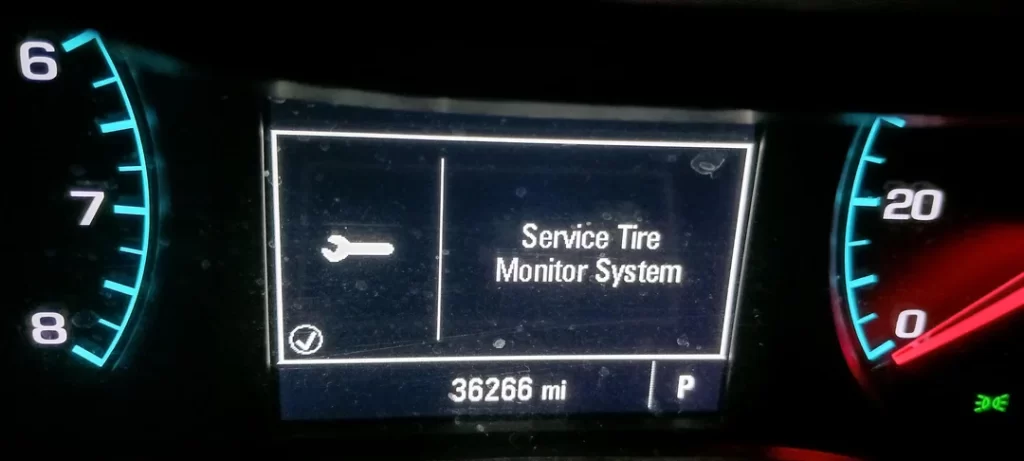
- A failing internal sensor battery, typically lasting 5 to 10 years, will cause the warning light to flash before staying solid.
- Direct impacts from potholes or curb strikes can damage the physical valve stem sensors.
Master Tire Pressure Monitoring System Resets in 6 Simple Steps
Dealing with an annoying low-pressure light on your dashboard can be frustrating, especially when you know your tires are properly inflated. This comprehensive walkthrough is designed to help you understand, troubleshoot, and successfully reset your Tire Pressure Monitoring System (TPMS). Whether you are driving a modern sedan, an SUV, or a work truck, following these precise steps will ensure your safety, turn off that persistent warning light, and keep your vehicle operating at peak fuel efficiency.
Step 1: Check and Adjust All Tire Pressures
What you need: A reliable digital or dial tire pressure gauge, a portable air compressor or access to a service station air pump, and your vehicle’s manufacturer placard.
Instructions: Before attempting any electronic reset, you must physically verify and correct the air pressure in all four tires, including the full-sized spare if your vehicle is equipped with one. Locate the tire pressure specification sticker, usually found on the driver-side door jamb. Unscrew the valve stem caps on each wheel, press the pressure gauge firmly onto the valve stem, and read the measurement. If a tire is low, inflate it to the exact PSI recommended by the manufacturer. If it is over-inflated, release air until you reach the precise target number.
Pro Tip: Always check your tire pressure when the tires are “cold”—meaning the car has been driven less than a mile or has been sitting for at least three hours. Driving heats up the air inside the tires, which artificially inflates your pressure readings by 1 to 4 PSI.
Step 2: Locate the TPMS Reset Button
What you need: A flashlight, your vehicle owner’s manual, and a slim tool like a pen or paperclip if the button is recessed.
Instructions: Many Asian and domestic vehicles feature a physical reset button dedicated to the TPMS system. Sit in the driver’s seat and look for a button with an icon resembling a flat tire with an exclamation point inside, or simply labeled “SET” or “TPMS”. Common locations include underneath the left side of the dashboard near the steering column, inside the glove compartment, or within the center console storage bin. Once located, turn your vehicle’s ignition switch to the “ON” position without starting the engine so the electronic accessories and dashboard lights illuminate.
Pro Tip: If you cannot find the physical button after checking the usual locations, do not force panels open. Consult your owner’s manual index, as vehicles luxury brands often integrate this function entirely into the digital infotainment touchscreen menu.
Step 3: Execute the Manual Dashboard Reset
What you need: Your vehicle’s ignition key or push-button start system.
Instructions: With the ignition turned to the “ON” position and all tires inflated to the correct specifications, press and hold the physical TPMS reset button continuously. Keep your finger on the button until you see the TPMS warning indicator light on your instrument cluster blink slowly three times. This flashing sequence indicates that the vehicle’s computer is acknowledging the reset command and clearing the old sensor memory data. Release the button immediately after you observe the third blink.
Pro Tip: Patience is key during this process. Some vehicle manufacturers require you to hold the button down for anywhere between 3 to 10 seconds. If the light does not flash, turn the ignition off and repeat the procedure.
Step 4: Complete the System Relearn Drive Cycle
What you need: A clear stretch of open road where you can safely maintain a consistent speed without heavy traffic interruptions.
Instructions: After successfully triggering the reset button, start your engine and begin driving immediately. Most vehicle manufacturers require a specific drive cycle to calibrate the individual wheel sensors with the main computer module. Typically, you will need to drive at a steady speed of 25 miles per hour or higher for a continuous period of 10 to 20 minutes. During this drive, avoid stopping, sudden heavy braking, or sharp cornering if possible, allowing the system to seamlessly read the rotation speed and pressure data from each individual tire sensor.
Pro Tip: If your commute involves heavy stop-and-go city traffic, the TPMS computer may pause its calibration timer. Plan your reset procedure right before a highway trip or a steady suburban drive to ensure uninterrupted learning.
Step 5: Utilize the Infotainment System Menu
What you need: Access to your vehicle’s central touchscreen display or steering wheel control buttons.
Instructions: For modern European vehicles and many domestic trucks, physical buttons have been replaced by software menus. Turn the ignition to the “ON” position, and use your steering wheel controls or touchscreen to navigate to the “Settings” or “Vehicle” application. Scroll through the options until you find the category labeled “Service”, “Car Status”, or “Tyre Pressure”. Within this menu, select the option that says “Store pressure”, “Calibrate”, or “Reset TPMS”. Confirm your selection when the system prompts you with a message asking if the current pressures are correct.
Pro Tip: Never initiate a software reset through the infotainment menu while your tires are still warm or improperly inflated, as this will lock incorrect baseline pressures into the vehicle’s permanent monitoring computer.
Step 6: Address Stubborn Sensors and Dead Batteries
What you need: A specialized TPMS activation/relearn tool or a professional automotive OBD-II scanner capable of reading sensor IDs.
Instructions: If the warning light remains illuminated or starts flashing after a prolonged drive, you likely have a dead sensor battery or a malfunctioning hardware unit. TPMS sensors are powered by internal lithium-ion batteries that typically fail after 5 to 8 years of service. If you possess a DIY TPMS tool, place the device against the tire sidewall near the valve stem of each wheel in the specified sequence (usually starting at the front-left and moving clockwise) to manually wake up and transmit the sensor IDs back to the vehicle’s ECU.
Pro Tip: If a single sensor fails to respond to a dedicated relearn tool, it has suffered internal electronic failure and must be physically uninstalled and replaced during your next tire rotation or service appointment.
✅ Final Checklist
- All tires (including the spare) are inflated to the exact PSI specified on the door placard
- The ignition was in the correct “ON” position before initiating any manual reset button sequence
- The vehicle was driven at the required speed for at least 10-20 continuous minutes to complete calibration
- The dashboard TPMS warning light is completely extinguished or displays a stable “System Normal” status
- Valve stem caps are securely tightened on all tires to prevent slow air leaks
Important Notes:
- Always prioritize safety: Never attempt to reset your TPMS while actively driving in heavy traffic or adverse weather conditions.
- If the TPMS light flashes for 60 to 90 seconds every time you start the car and then stays solid, this indicates a system fault rather than low pressure, requiring professional diagnostic help.
- Estimated time for a standard DIY reset is 15 to 30 minutes; professional sensor replacement generally costs between $50 to $150 per wheel including parts and labor.
Prerequisites Before Attempting a Tire Monitor System Reset
Checking and Adjusting Tire Pressures Accurately
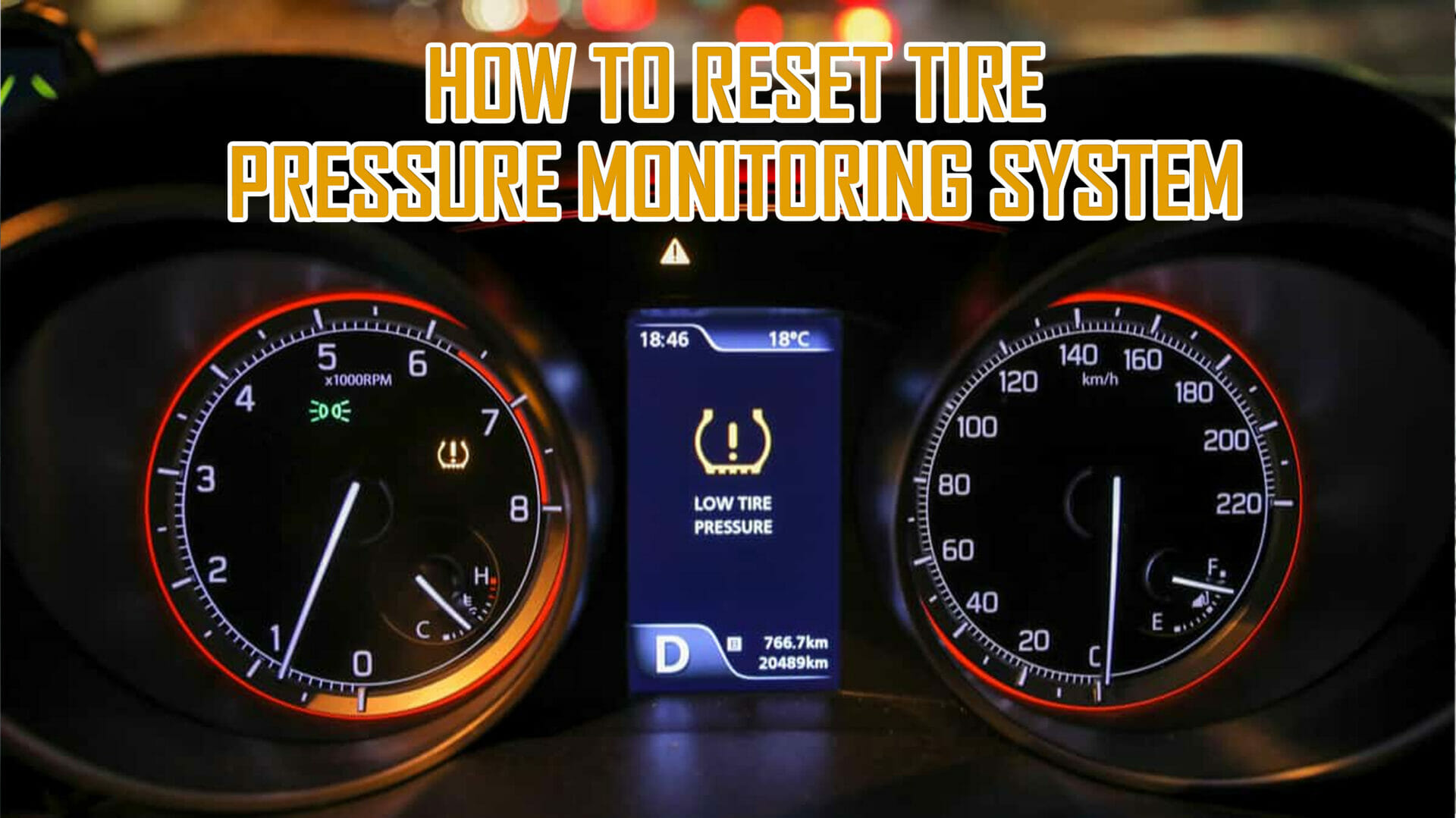
Never attempt to reset your TPMS until you verify the exact air pressure in all four tires. Relying on visual inspection fails because modern radial tires can look completely normal even when they are dangerously underinflated by five to eight PSI.
- Locate the official manufacturer placard sticker located on the driver side door jamb, not the maximum pressure listed on the tire sidewall.
- Use a digital pressure gauge for maximum accuracy when tires are completely cold, meaning the car has been parked for at least three hours.
- Inflate or deflate every tire, including your full-size spare if your vehicle monitors it, to the precise PSI number recommended by the factory.
- Remove any debris or moisture trapped inside the valve stem caps before attaching your air hose or gauge.
Environmental and Vehicle Conditions
Preparing your car properly ensures the reset command registers without software interruptions. Park your vehicle on a flat, level surface away from heavy electronic interference that might disrupt wireless sensor communication. Turn the ignition key to the ON position, or press the start button twice without putting your foot on the brake, so the vehicle electrical systems are fully powered while the engine remains off. Completing these physical preparation steps guarantees that your upcoming dashboard button push or infotainment menu selection succeeds on the very first try.
How to Fix and Reset the Tire Monitor System Step-by-Step
Executing a proper reset depends heavily on the specific make and model of your vehicle. While modern 2026 automotive diagnostic standards streamline much of this process, manufacturers still rely on distinct reset protocols.
Method 1: Using the Dashboard Menu
- Turn the vehicle ignition to the ON position without starting the engine.
- Use the steering wheel controls to navigate to the vehicle settings or maintenance menu.
- Locate the Tire Pressure Monitoring System (TPMS) or “Pressure Monitor” option.
- Select the “Reset,” “Calibrate,” or “Learn” command and confirm your selection.
- Drive the vehicle at speeds above 25 mph for approximately 10 to 20 minutes to allow the sensors to recalibrate.
Method 2: Using the Physical Reset Button
- Locate the physical TPMS reset button, typically found under the dashboard on the driver’s side or inside the glove compartment.
- Turn the ignition key to the ON position.
- Press and hold the reset button until the TPMS dashboard indicator light blinks slowly three times.
- Release the button and start the engine, leaving the car idling for roughly 20 minutes to complete the sensor handshake.
What If It Still Doesn’t Work?
If the tire monitor system light remains illuminated or flashes persistently after executing a full reset, underlying hardware or electrical faults are usually to blame. According to automotive service data from the National Institute for Automotive Service Excellence (ASE), unresolved TPMS alerts typically stem from component failure rather than simple pressure loss.
- Inspect for Dead Sensor Batteries: Standard TPMS sensor batteries have a lifespan of 5 to 8 years. If your vehicle falls within the 2018–2026 manufacturing window and a sensor fails to transmit, the entire battery unit must be replaced.
- Check the Spare Tire: Many full-sized and compact spare tires manufactured after 2023 include active TPMS sensors. If the spare tire pressure drops below the recommended threshold, it will trigger the dashboard warning light.
- Scan for Diagnostic Trouble Codes (DTCs): Connect an OBD-II scanner capable of reading body control modules to identify specific fault codes related to individual wheel sensors or the receiver module.
- Seek Professional Automotive Service: If software resets and pressure adjustments fail, visit a certified tire technician. Professional sensor replacement and reprogramming generally range from $70 to $150 per wheel, depending on whether OEM or aftermarket programmable sensors are used.
Conclusion
Resetting the tire monitor system is a straightforward maintenance task that restores crucial safety warnings and ensures optimal fuel efficiency. By verifying correct tire inflation pressures, utilizing the appropriate dashboard menu or physical reset button, and completing a brief drive cycle, drivers can easily clear persistent alerts. According to verified research and expert sources from the Tire Industry Association (TIA), maintaining properly calibrated tire monitors significantly reduces the risk of blowouts. Make it a habit to check your tire pressures and system calibration at least once a month to ensure maximum road safety through 2026 and beyond.
❓ Frequently Asked Questions
How do I know if my car uses direct or indirect TPMS?
Direct systems use physical radio-frequency sensors inside each tire valve stem that display exact PSI readings. Indirect systems use the ABS wheel speed sensors to detect rolling circumference without individual pressure readouts.
Why does the TPMS light come on during cold weather?
Air compresses as temperatures drop, causing tire pressure to fall roughly 1 to 2 PSI for every 10-degree drop in outdoor temperature. Once pressure falls below the warning threshold, the system triggers the alert.
Can a spare tire cause the TPMS light to stay on?
Yes, if your vehicle uses a full-size spare tire equipped with a sensor that is not communicating or if you are running a temporary spare without a sensor. The receiver module may detect a missing signal and keep the warning light active.
How long does it take for a TPMS reset procedure to complete?
Button and menu-based resets usually take effect immediately or require a confirmation message on the dashboard. Driving reset procedures typically require 10 to 20 minutes of continuous motion at steady speeds.
What should I do if a brand-new sensor fails to program?
New aftermarket or OEM sensors often require a dedicated TPMS activation tool to trigger their radio frequency and sync them to the vehicle’s computer module. A local tire shop can quickly scan and program stubborn sensors.
Is it safe to drive with the tire monitor system light on?
It is only safe to drive if you have manually verified with a tire pressure gauge that all tires are properly inflated. If the light flashes or you notice handling changes, pull over immediately to inspect for a flat tire.